Link building outreach from your own inbox, not a shared pool
Connect your mailbox and send from your real domain. Write each email with AI or a template, run sequences inside a daily cap, and every follow-up stops the moment someone replies.
- every email leaves from your own domain
- Your inbox
- default cap per mailbox, adjustable
- 300 / day
- always — it isn't a setting
- Stops on reply
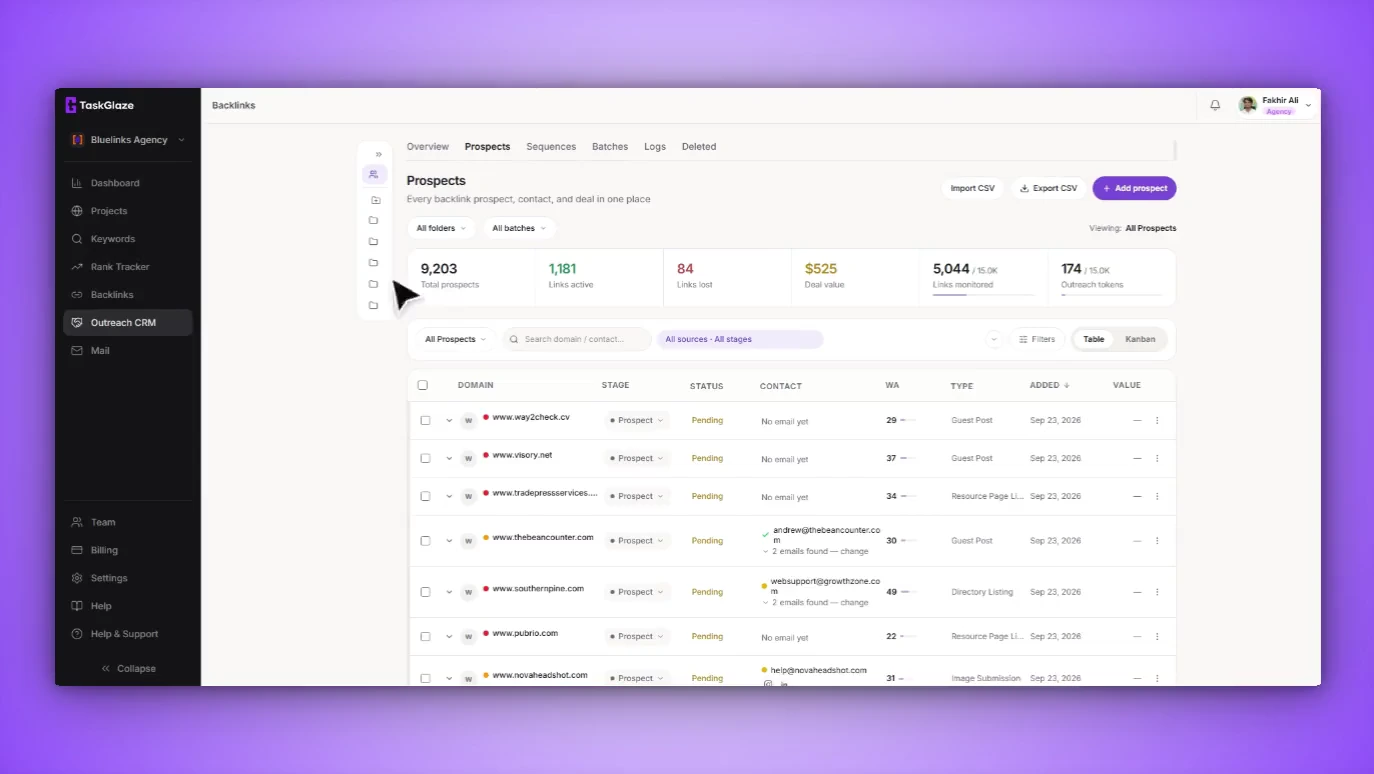
Where Email Outreach fits
Each step hands its output straight to the next — no exports, no second tool.
Shared sending infrastructure is why cold outreach stops working. Your mail leaves through a platform's address space alongside everyone else's, so your delivery rate is an average of strangers' behaviour — and when one of them burns the pool, your campaign quietly stops landing.
TaskGlaze never sends from an address of its own. You connect your mailbox over SMTP, the connection is tested before it's saved, and credentials are encrypted at rest. Reply reading over IMAP is read-only: it matches replies to prospects and never marks, moves or deletes a message. On top sit the parts that make volume survivable — drafts written for one prospect, sequences that space themselves out, a hard daily ceiling per mailbox, and follow-ups that stop when someone answers.
Email Outreach, step by step
Connect a mailbox
Pick Gmail, Outlook, Yahoo or Zoho, or enter a custom host. The connection is tested before saving, and a one-click check reads your domain's SPF, DKIM and DMARC records and tells you which are missing. Add IMAP details and replies are tracked too.
Write the email
Start from the template library — one template per backlink type, with strict merge fields — or use Write with AI, which drafts for one prospect from its domain, detected link type, your target page and anchor: under 100 words, one ask.
Put it in a sequence
Ordered steps, each a template with a delay in days. Sends get random jitter so enrollments don't fire at the same minute, sends from one mailbox are spaced apart, and a mailbox can be kept to business hours in its own timezone.
It stops when they reply
The inbox poller matches incoming mail to your prospects, logs the reply and stops every active enrollment for that person. A hard bounce or an unsubscribe stops the chain the same way.
What's included in Email Outreach
Your mailbox, not a shared pool
SMTP from your own account over an encrypted connection, credentials encrypted at rest. Your deliverability depends on your sending, nobody else's.
AI that writes for one prospect
Cold emails drafted from the prospect's domain, link type and your target page; replies drafted from what the person actually wrote. Both use AI credits, included from Starter up.
Sequences that pace themselves
Per-step delays, randomised send times, optional business-hours windows and spacing between sends — plus A/B testing two templates on one step.
Daily caps and warm-up
Each mailbox has its own daily cap, 300 by default. Turn on warm-up and the cap starts at 20 a day and climbs by 5, never past the cap you set.
It pauses a mailbox before it burns
Three consecutive send failures, or a bounce rate above 5% across recent sends, pause the account and notify you.
Replies sorted, opt-outs honoured
Bounces are read from real delivery-status evidence, replies are sorted into interested, question, not interested and out of office, and an unsubscribe is suppressed for good.
What it doesn't do
Worth knowing before you sign up.
- It only sends through a mailbox you connect. There's no built-in sending service or shared domain.
- AI drafting uses AI credits, which start on Starter. The free trial can send outreach but doesn't include AI.
- The AI never sends anything itself — every draft, including price counter-offers, waits for you to review and send.
Email Outreach: common questions
Straight answers. If yours isn't here, ask us and the founder will reply.
No. Every message goes through the mailbox you connect, from your own address and domain, over your provider's infrastructure. TaskGlaze is just the client handing it to your mail server — the same role a desktop mail app plays. No shared IP pool, no relay.
They're encrypted at rest, and the connection has to succeed before anything is stored. IMAP is opened read-only, so reply tracking can't mark, move or delete anything. Use an app password rather than your main password where your provider supports one.
Each connected mailbox has its own daily cap, 300 by default and adjustable to what your provider allows. It sits under your plan's monthly volume, so both apply. When a cap is reached mid-sequence, the enrollment waits for a later pass rather than failing.
Yes. The 14-day trial includes one connected mailbox and a budget of outreach emails, so you can run a real campaign before you pay. AI drafting is the part that starts on Starter.
No. Open and click tracking adds a pixel and rewrites links, which many mail clients block and which can hurt deliverability, so it's off unless you turn it on for a mailbox. Reply tracking needs no pixel and works as soon as you add IMAP details.
Works with
- Outreach CRMSend the domains worth chasing into a pipeline built for link deals. TaskGlaze finds the contact address and checks it's deliverable before you write a word.
- Backlink TypesEvery prospect is classified by the kind of link it hands out — guest post, niche edit, resource page, HARO and eleven more — so you pitch the ask that site already says yes to.
- Link MonitoringTaskGlaze re-checks every placement on a schedule, confirms a loss in a real browser before reporting it, and tells you exactly what changed and why.
Choosing between tools? Compare TaskGlaze with Pitchbox, Respona and BuzzStream or see every feature.